Certificate information
Select a certificate type, enter the NB number or name and click Find. Enter the Certificate number and Expiry date. If applicable, enter a Revision number.
Note
Annex - Legacy Device Certificate Types lists the certificate types for Legacy Devices.
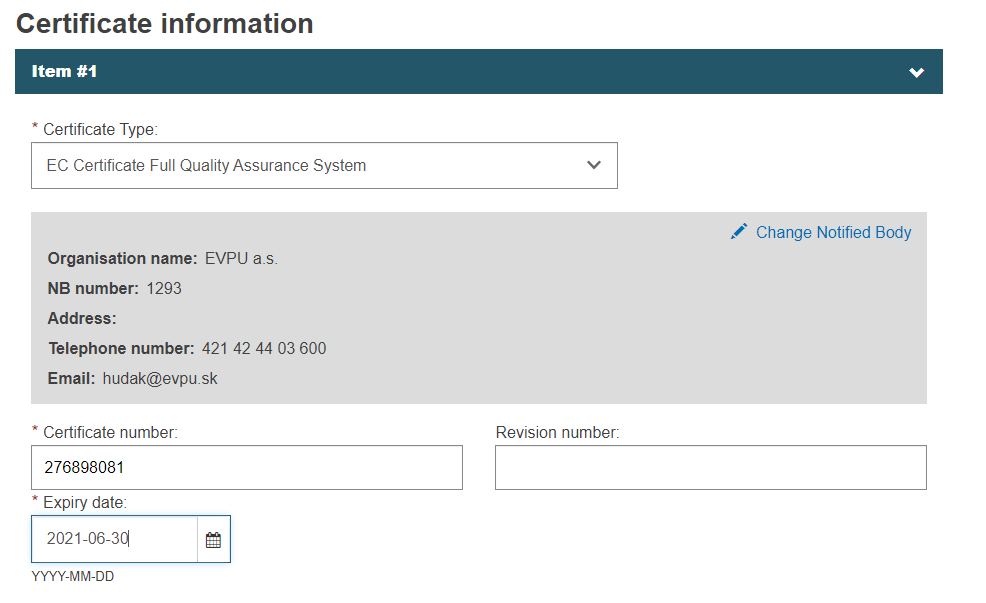 |
Note
Please note that if you select the NB with the status withdrawn, expired or suspended in the Certificate section when registering or updating a Legacy Device, the status of that NB will be displayed in the brackets:


