Terminate your AP
Log into EUDAMED as a Local Actor Administrator (LAA). Click on the Access point management link under the My Actor data section to view your APs:

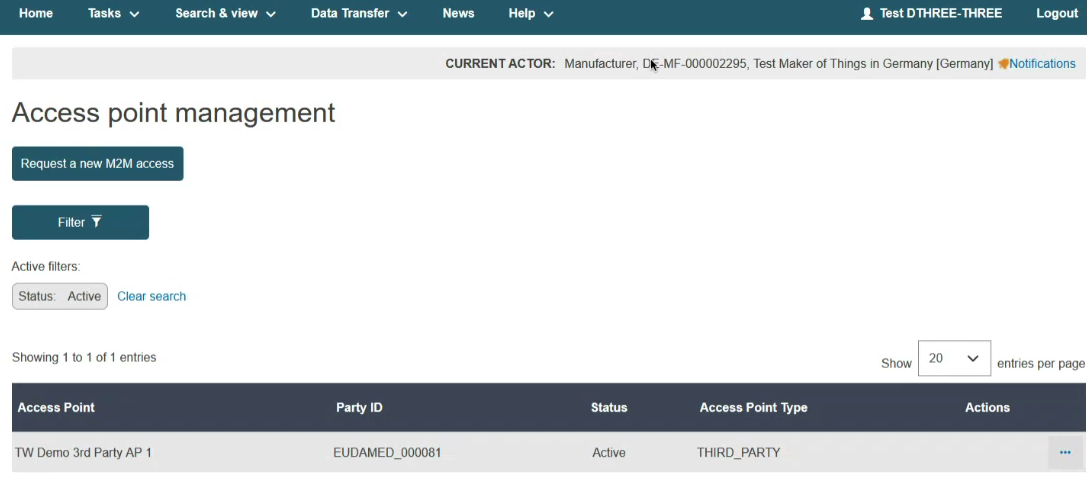
In the Access Point management page, you can view all your APs listed in the table:
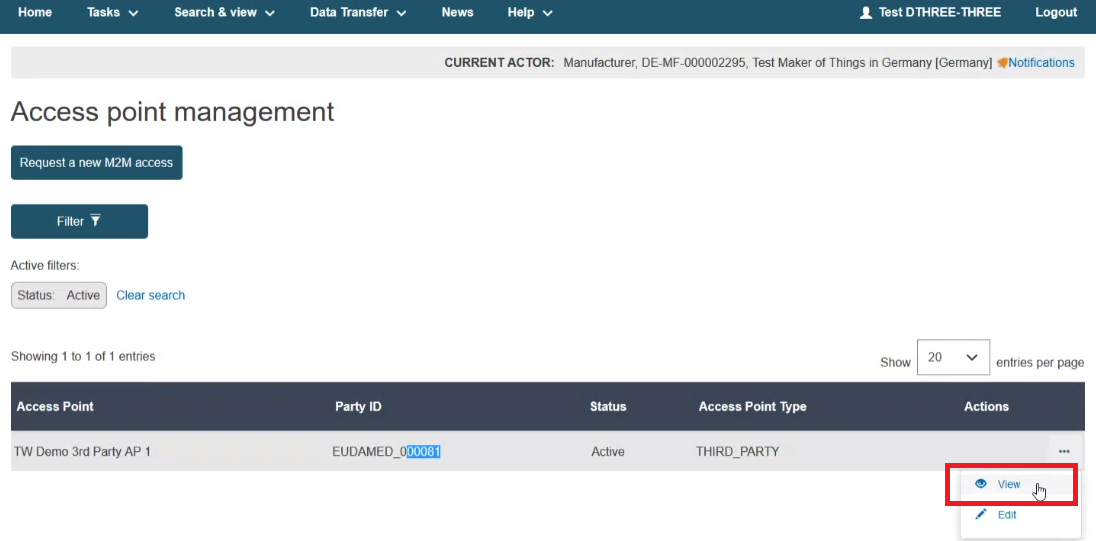
Click on the View link under the three dots to view further details about your AP:
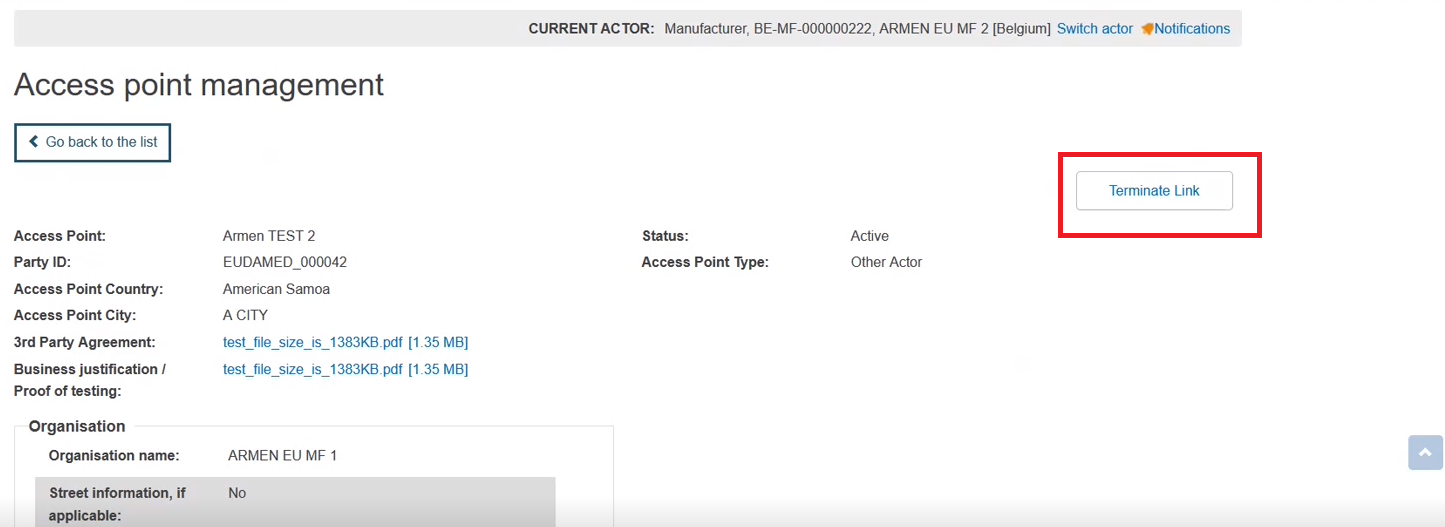
In the next screen click on the Terminate LinkTerminate link button to terminate your AP:
Note
The status of your AP is now terminated (see Annex 3 (AP statuses) page). You will not be able to use this AP anymore nor revert to the previous state.