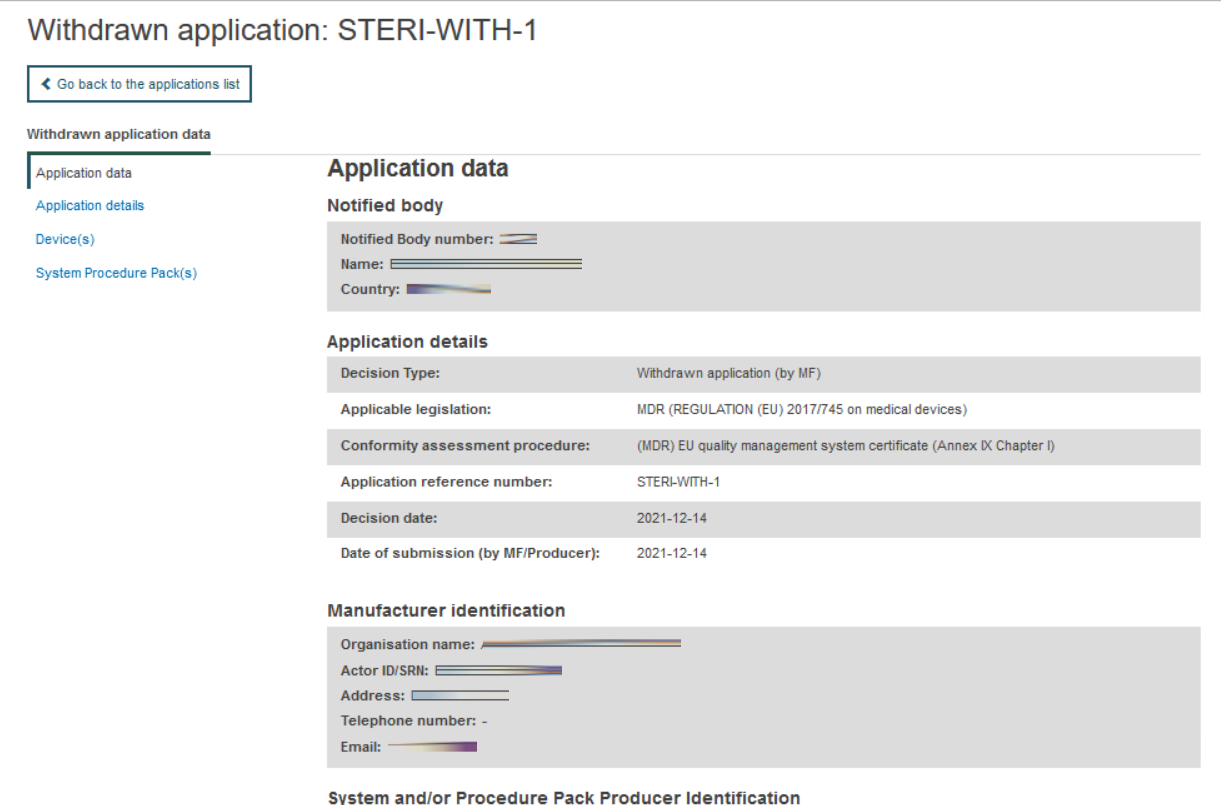
Search and view refused/withdrawn applications
On the header menu, click on Search & View, then click on Applications:
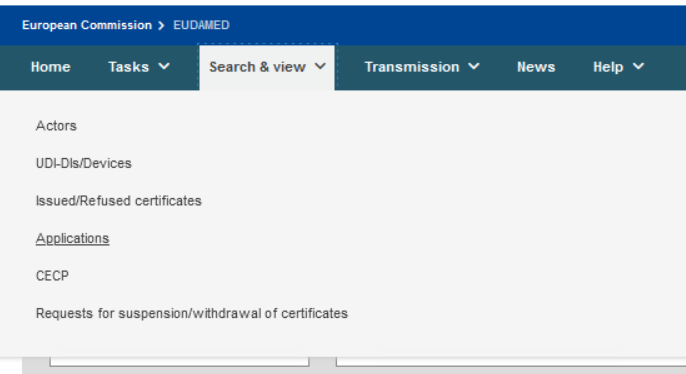
Alternatively, use the Search & View section in the dashboard:

Next, the refused/withdrawn applications search page will be displayed:
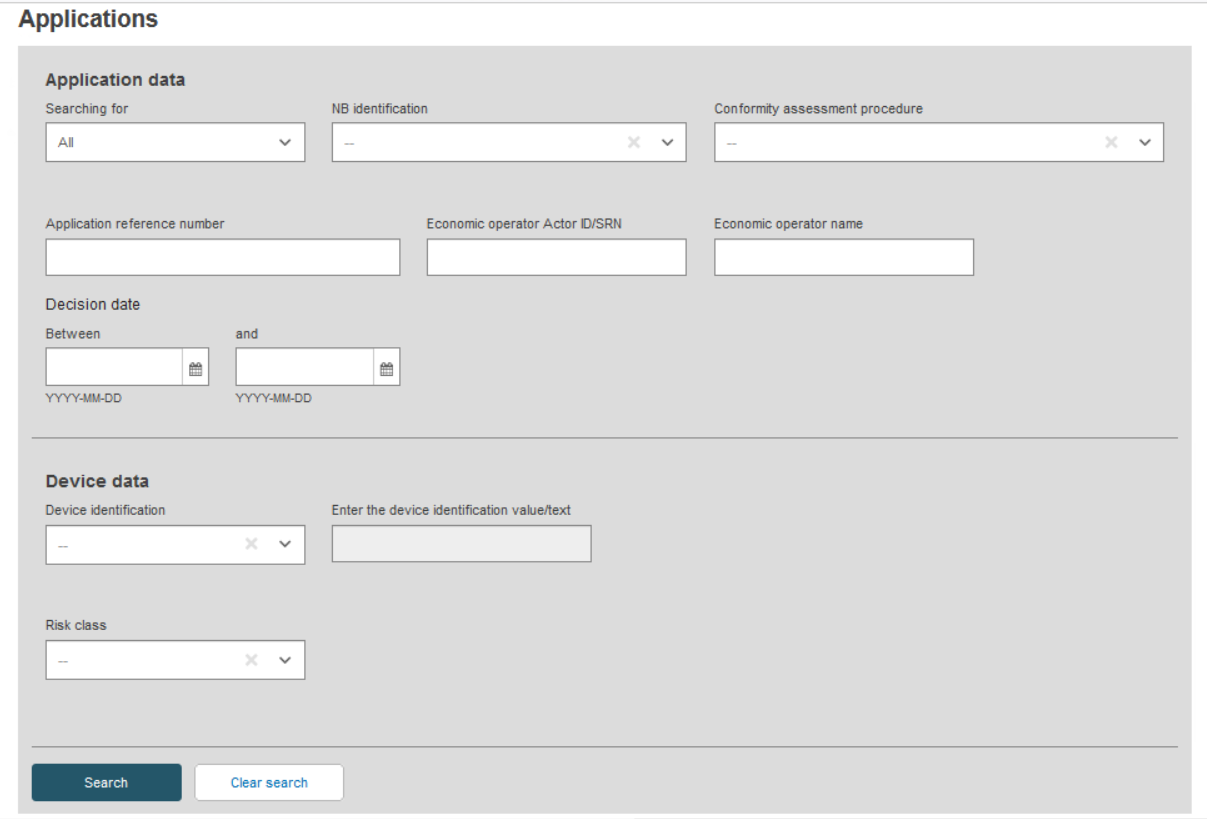
Enter the search criteria and click on Search. A list of refused/withdrawn applications will be displayed:

Note
If the manufacturer is not registered in EUDAMED, it will be displayed without the ID/SRN:

Click on the desired result record to see its details: