Validate Competent Authority change requests
An EO who is already registered and validated as an actor may under certain circumstances need to change the CA who is responsible for their validation and supervision. Such requests are made by the actor and sent to the new proposed CA for validation. The change of responsible CA can be necessary in some specific cases, such as:
An EU economic operator that moves inside the same country;
A non-EU manufacturer that changes its Authorised Representative or has its Authorised Representative change the responsible Competent Authority;
A non-EU SPP producer that change the market distribution of their SPP;
The new CA will be able to assess the request and accept or not to be the new CA.
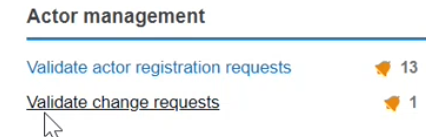
Select Validate change requests from the Actor Management section:
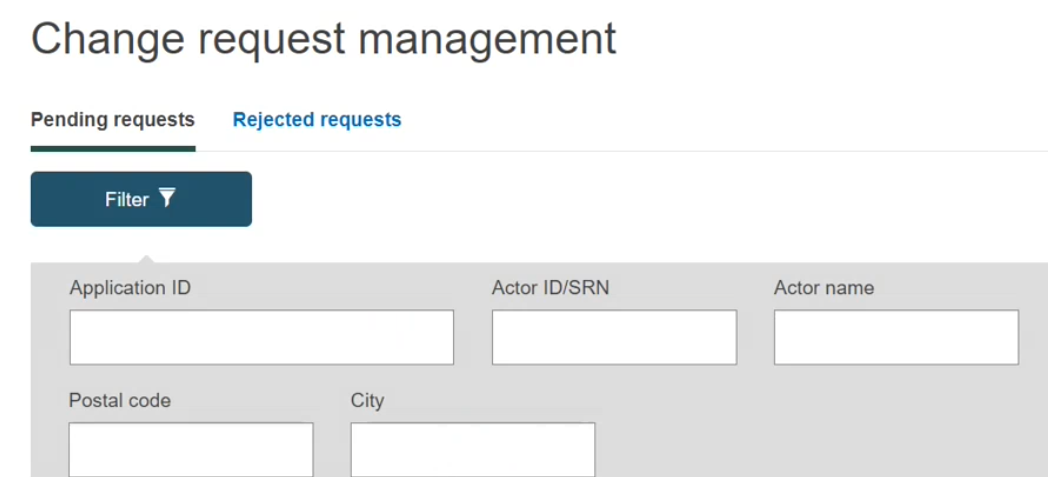
Find the pending requests at the bottom of the page:

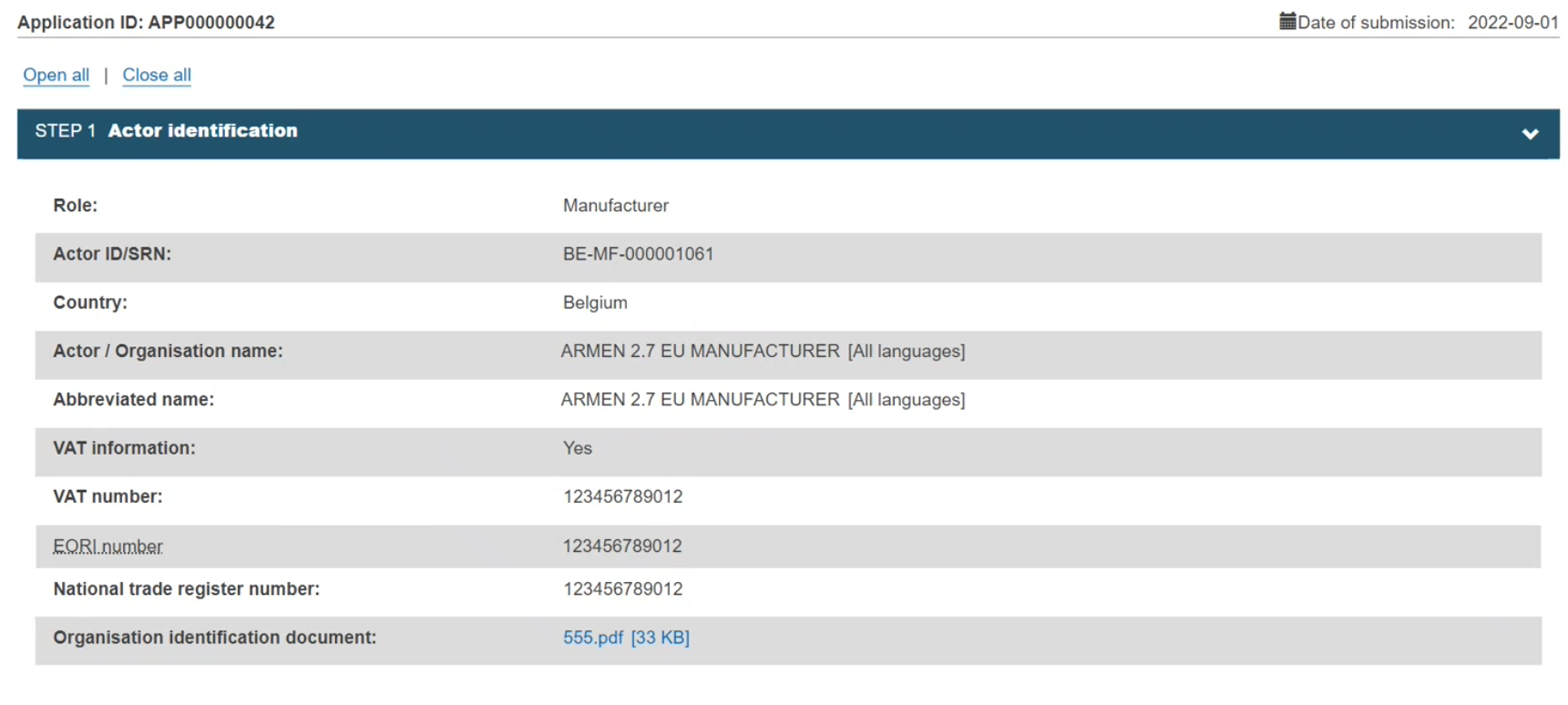
Click on it to open the change request; the new window will display all the details concerning the change request:
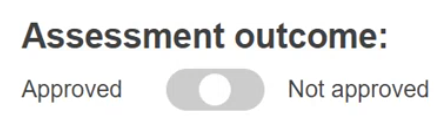
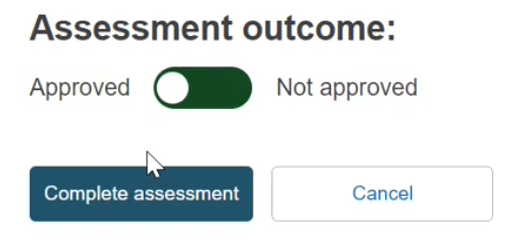
At the bottom of the page, you will have the Assessment outcome section. Check the information and switch the toggle to either Approved or Not approved:
Click on Approve and then on Complete assessment:
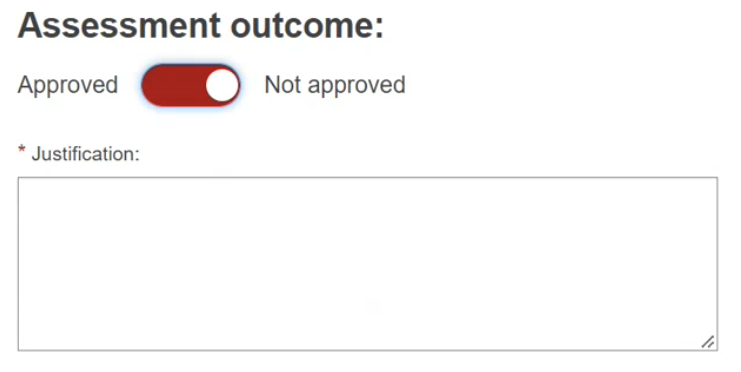
If you click on Not Approved, enter the reason in the Justification field and click on Complete assessment:
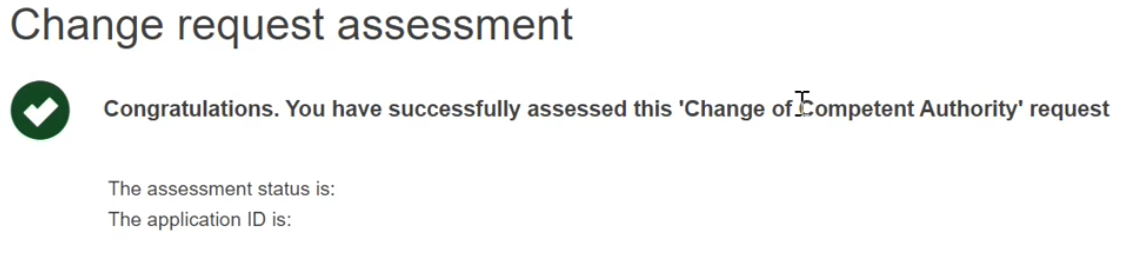
A success message will appear:
If the request was accepted, the new CA will get a notification of the changes made, as well as the concerned Economic Operator and the old CA.
If the request was not approved, the concerned Economic Operator will get a notification with the reason for rejection.
Note
When an Authorised Representative changes their responsible CA, every non-EU manufacturer who is linked to that Authorised Representative will be notified (both via Notifications and email). The notification will be triggered once the new CA has approved the request from the Authorised Representative to change the responsible CA.
