Edit your user account
After your user access request is approved, you can still change your account information.
To edit your user account:
Log in to EUDAMED and click on your name in the upper toolbar. The page My account(s) appears:
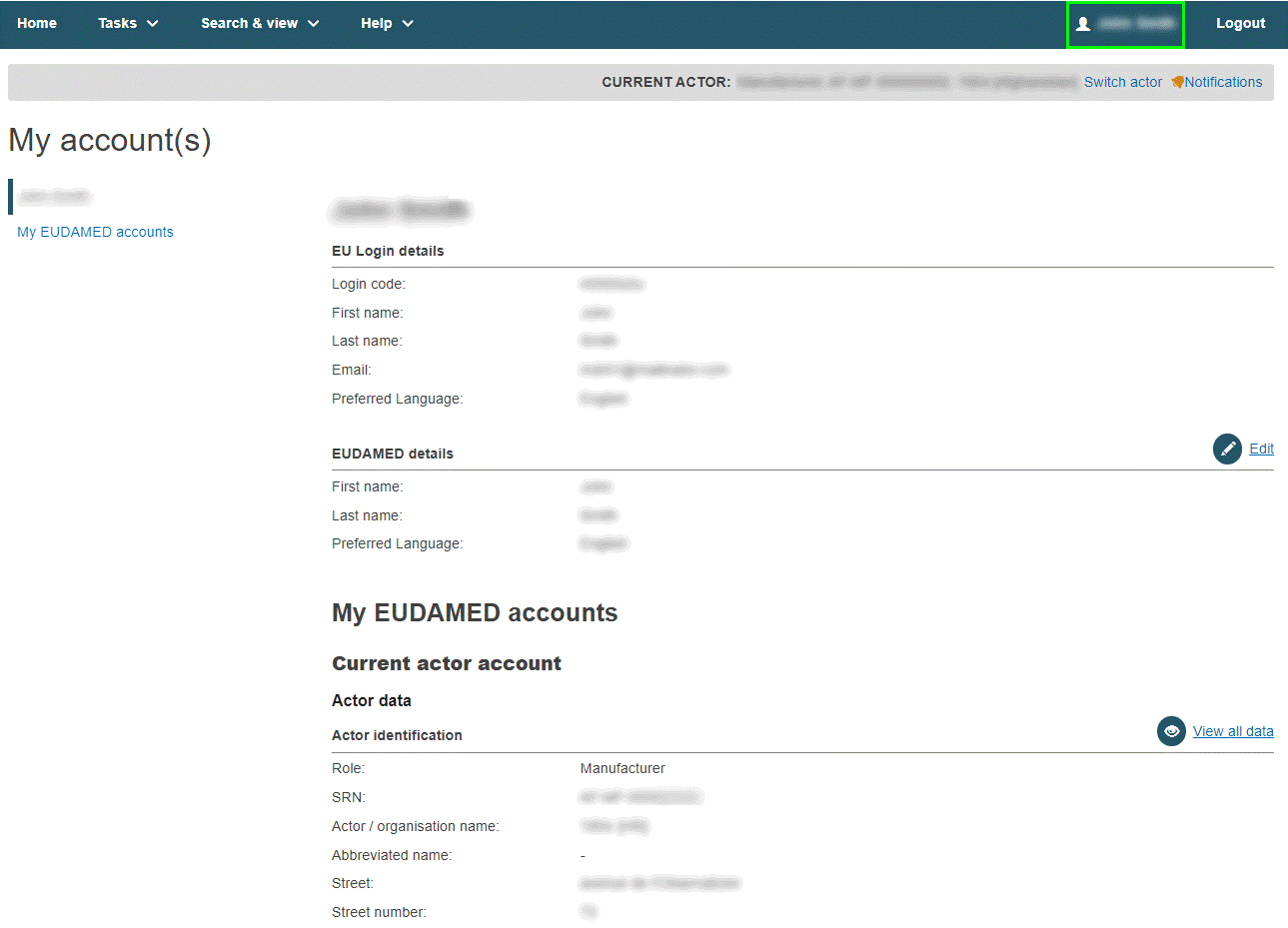
To change any editable data in the EUDAMED details, click Edit:
EU Login details / EUDAMED details
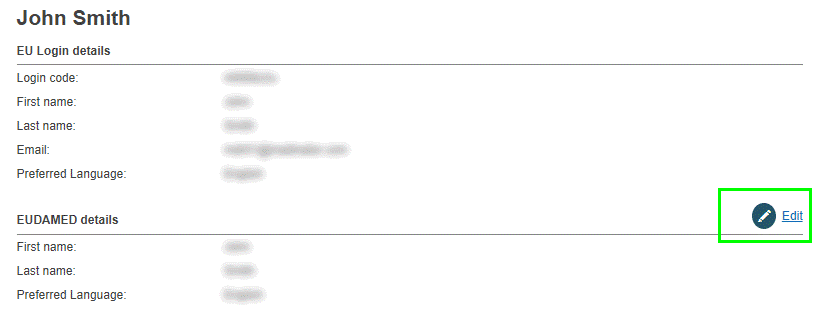
Use the Edit button in this section if you want to change your first name, last name and/or preferred language.
Current actor account: actor data
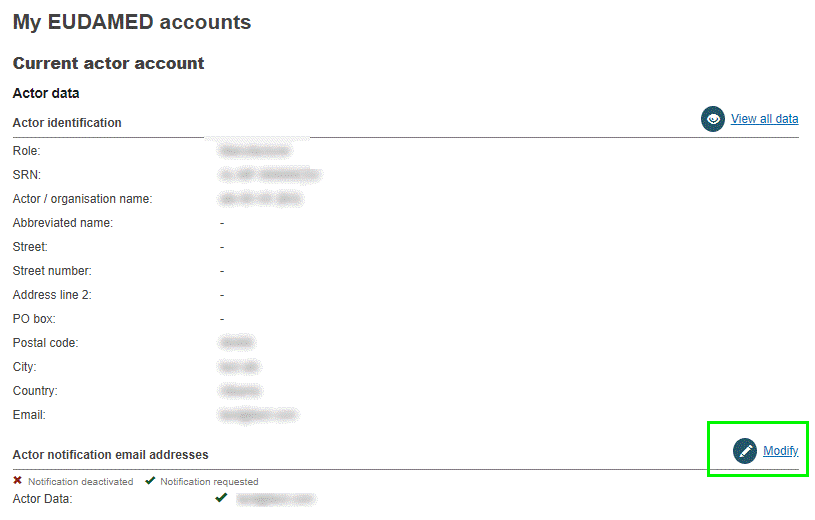
A LAA has the Modify button in this section. Using this button, the receiving email address for notifications can be changed, including those for the different EUDAMED modules.
Note
Local Actor Administrator only
► The Actor data section can only be modified by a Local Actor Administrator.
► The Modify button is not active here for any other user profile.
Current user actor account for this actor: Account data
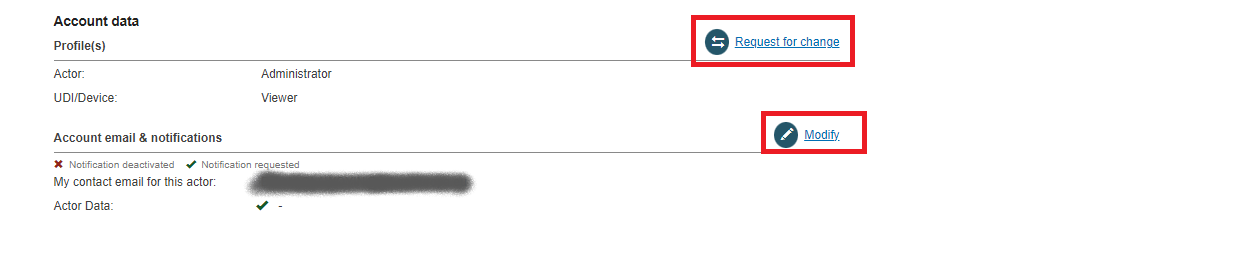
Use the Request for change button in this section if you want to request a different profile for one or more EUDAMED modules for the current actor.
Use the Modify button if you want to change the account email and/or the notification preferences for the current actor.
Make any required changes.
Click Save.
If you are registered with more than one actor, they are listed in the My other account(s) box:
My other account(s)

Click the right-pointing arrow next to one of the actors in the list to show their details. You can switch between actor accounts.